On a business or creator account, "Lead" is a chat label that marks a conversation with someone who looks like a potential customer. Either you or someone on your team set it, or Meta added it automatically after detecting a likely lead, typically in a conversation that started from an ad. In short, it is a sorting tag for your inbox. This guide is part of our Instagram lead generation overview.
What the Lead label is for
Instagram's Help Center page on adding labels to Instagram chats describes labels as a way for sellers and creators to organize chats and filter customer conversations. Lead tells you, or a teammate, that this person has shown interest but has not ordered or paid yet.
Labels need a business account or a creator account, and creator accounts only get them in certain categories. Instagram also warns that "this feature may not be available to you yet", so two accounts of the same type can see different options for a while.
Who can see the Lead label
The label is a tool to sort your own inbox. Instagram does not document showing it to the other person, so treat it as a note for the business side of the conversation.
The other Instagram chat labels
Instagram lists five labels, and they follow a simple sales path:
| Label | What it usually means |
|---|---|
| Lead | The person is interested and could buy |
| Booked | They reserved a slot, a call or an appointment |
| Ordered | They placed an order |
| Paid | Payment came through |
| Shipped | The order is on its way |
You don't have to use all of them: a service business may only need Lead and Booked.
How to add, change or remove the Lead label
The Help Center gives these steps to add a label:
- Go to your chat list and tap the inbox icon at the bottom.
- Open the chat you want to label.
- Tap the label icon, select a label, then tap Save.
There is a shortcut from the chat list: swipe left on a chat, tap More, then Add label.
To change a label, swipe left on the chat, tap More, then Edit label. That same menu is where you switch Lead to another label once the conversation moves forward, or take it off if your app version lets you deselect it.
Why Instagram adds the Lead label automatically
If you never touched labels and still see Lead on a chat, Meta probably set it. Meta's course on optimizing for leads explains that "in Meta Business Suite, leads can be detected automatically", so businesses no longer have to label every outcome in a messaging thread by hand. According to the same course, machine learning models detect phone numbers shared in Inbox conversations, which is one of the signals of a likely lead.
The reason is advertising. Those lead events feed the "Maximize number of leads" performance goal for ads that click to message on Messenger, Instagram and WhatsApp. If you run that kind of campaign, our guide to Instagram lead ads covers how the formats compare.
Some business accounts report a system message inside the chat that reads "Auto-detected outcome: This may be a high-quality lead, so we added a ... label." That wording comes from what users see in their inbox, and Meta's course doesn't quote it. If you see it, the label came from automatic detection, and you can edit it like any other label.
What a lead means in sales terms
In sales, a lead is a person or business that has shown interest in what you sell and could become a customer. A lead is still unqualified: you don't know yet if they have the need, the budget and the timing. Instagram's label captures the first part (interest) and leaves the rest to you. Someone asking for your price list is further along than someone who replied to a story with an emoji, even if both carry the same label.
What to do with a conversation labeled Lead
- Reply fast. The person wrote to you, so the interest is fresh. A clear answer the same day keeps the conversation going.
- Qualify in the chat. Ask one or two questions about what they need and when. Their answers tell you whether to push for a call, a booking or an order.
- Move the label forward. Switch to Booked or Ordered as soon as it applies, so the Lead filter only shows conversations that still need work.
- Copy serious leads into your CRM. Log the name, the request and the next step wherever your team tracks deals.
Finding leads who have not messaged you yet
The Lead label only flags people who already wrote to you. Most potential buyers never send that first message. One way to reach them earlier is to watch who starts following your competitors, since a new follower of a competitor has shown recent interest in your category. The method is explained in how to turn competitors' followers into leads.
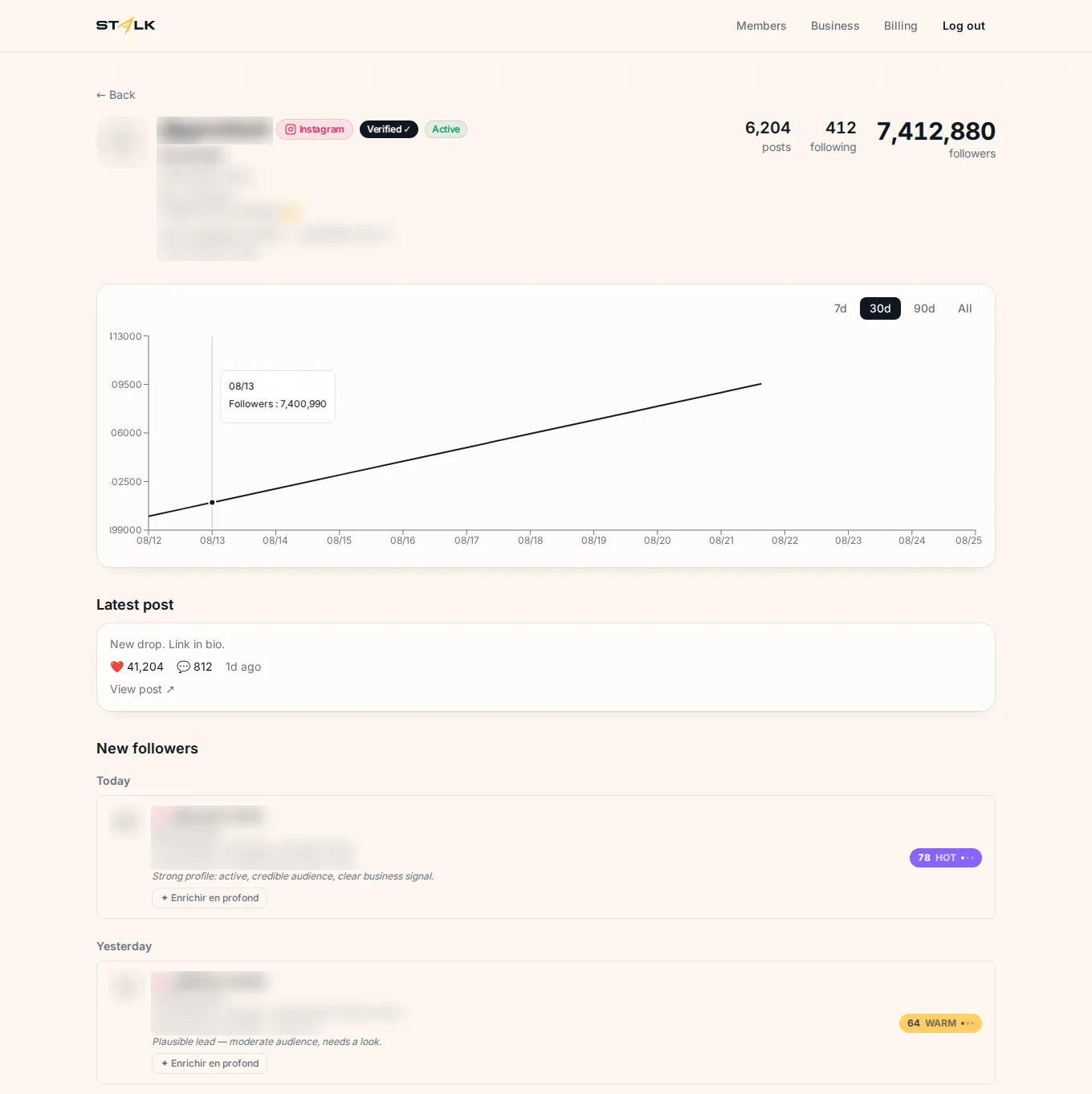
STALK, a competitor follower tracking tool, does that part for you. You add the public profile of a competitor, STALK takes a baseline snapshot of its audience and re-checks it on a schedule, then keeps only the new followers it hasn't logged before. Each one gets a 0 to 100 score with a readable reason, and the score goes up when the same person follows several of the competitors you track. It works from public information only and never asks for your login.
Reaching out to people who haven't contacted you means handling their personal data. In the EU, Article 14 of the GDPR requires you to tell them where you got their data, at the latest in your first message, and they can object to direct marketing at any time. Anyone can opt out of STALK at /opt-out, and the privacy policy explains what it collects. If you want to see which of your competitors' new followers fit your offer, you can start a 7-day trial.
FAQ
Why does my Instagram DM say Lead?
Your account is a business or creator account with chat labels, and that conversation was labeled Lead. Either someone with access to the account added it, or Meta detected a likely lead automatically, often in a conversation that came from an ad. It marks the person as a potential customer in your inbox.
Can the other person see the Lead label?
The label is meant for sorting your own inbox, and Instagram's Help Center presents it as a tool for the seller or creator. Treat it as an internal note on where the conversation stands.
How do I remove the Lead label?
Swipe left on the chat, tap More, then Edit label. From there you can switch it to another label, such as Booked or Ordered, or take it off if your app version allows it.
Why don't I have chat labels on Instagram?
Labels require a business account or a creator account, and creator accounts get them only in certain categories. Instagram also rolls the feature out gradually and says it "may not be available to you yet". Switching a personal account to a business or creator account is the first thing to check.